Plan the trip day by day, then put it in your calendar.
Give each stop the nights it deserves and the days build themselves. Schedule the sights you actually want onto real dates, keep the travel between stops in the same plan, and subscribe to it from the calendar app you already use.
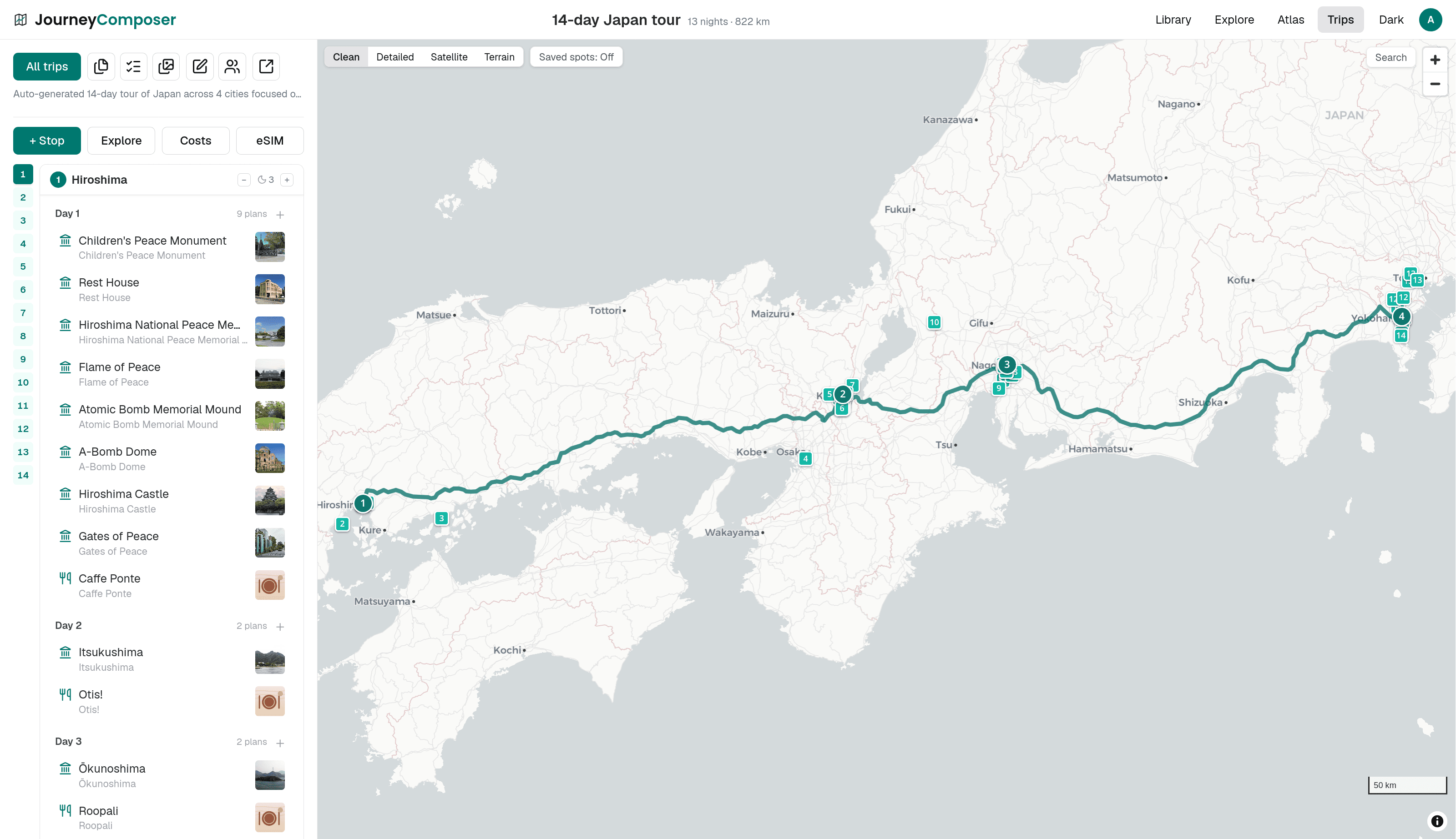
At a glance
Nights drive the days
Set how many nights you are staying at each stop and the day count follows. You never maintain the calendar and the route separately.
Every way of getting there
Connect stops by car, plane, train, ferry, or bus, with carrier and time details, and real road or sea routes drawn on the map.
It leaves the app with you
Subscribe from your calendar, export a PDF for the glovebox, or download the route as GPX for a sat nav.
Days that follow the trip, not a spreadsheet
Most planning tools make you keep two things in sync: the route and the schedule. Here they are the same object. Give a stop three nights and the trip grows three days at that stop, in the right place in the sequence, with the travel days between stops accounted for.
Sights and activities are scheduled onto those days by dragging them, and anything you have not committed to yet can wait in the trip's backlog until you decide where it fits. The map follows the day you are looking at, so you can see whether tomorrow is a sensible amount of walking or a fantasy.
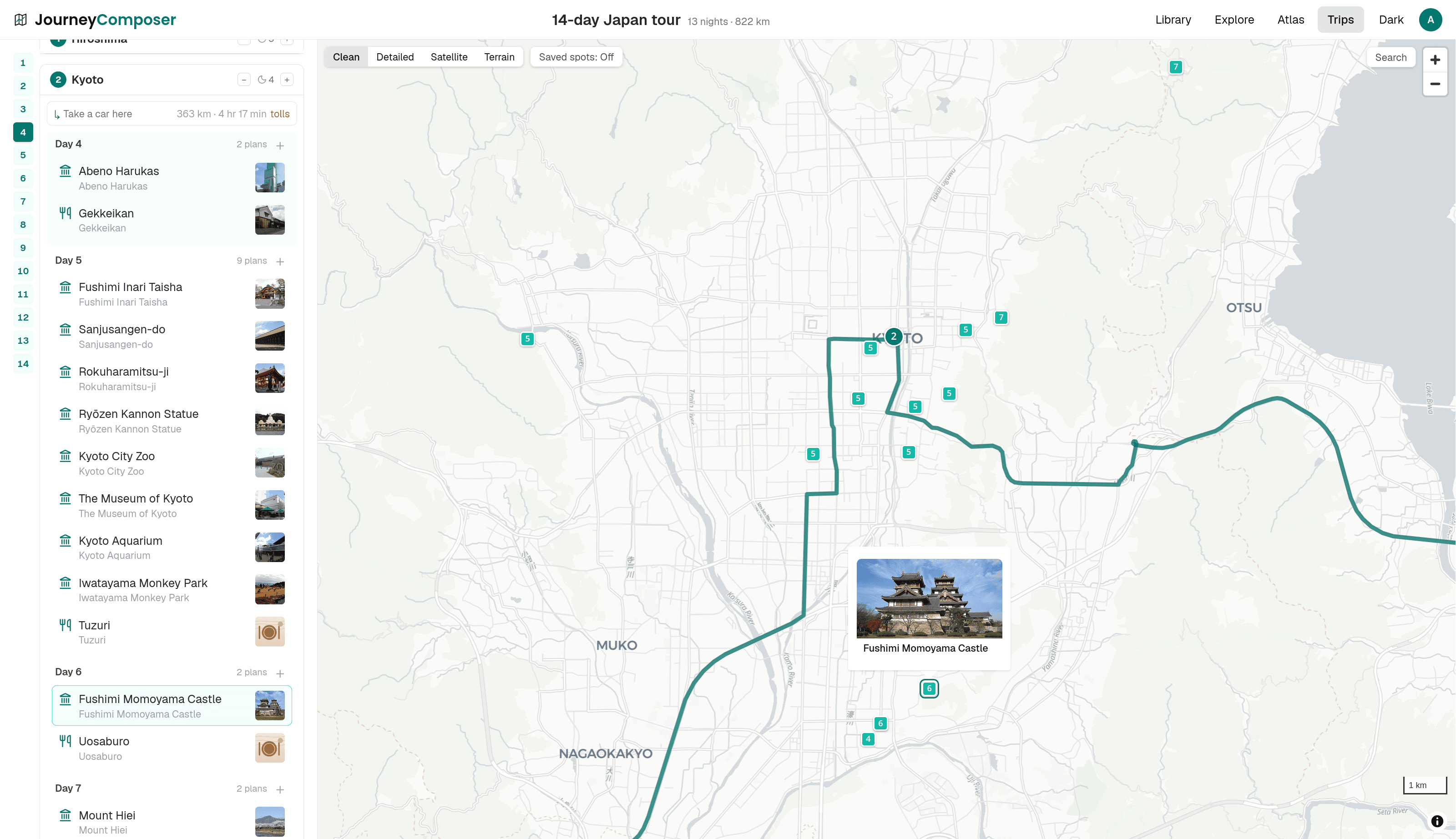
The travel between stops is part of the plan
A leg is not just a line. Say how you are getting there, and the plan holds the detail: the carrier, the service number, departure and arrival times for flights, trains, ferries, and buses. Driving legs and bus legs follow real roads rather than a straight line across the map, and ferry legs follow real sea lanes.
Because the transport lives in the itinerary rather than in a separate booking folder, the day you arrive somewhere at 21:40 is visibly a day with nothing else in it.
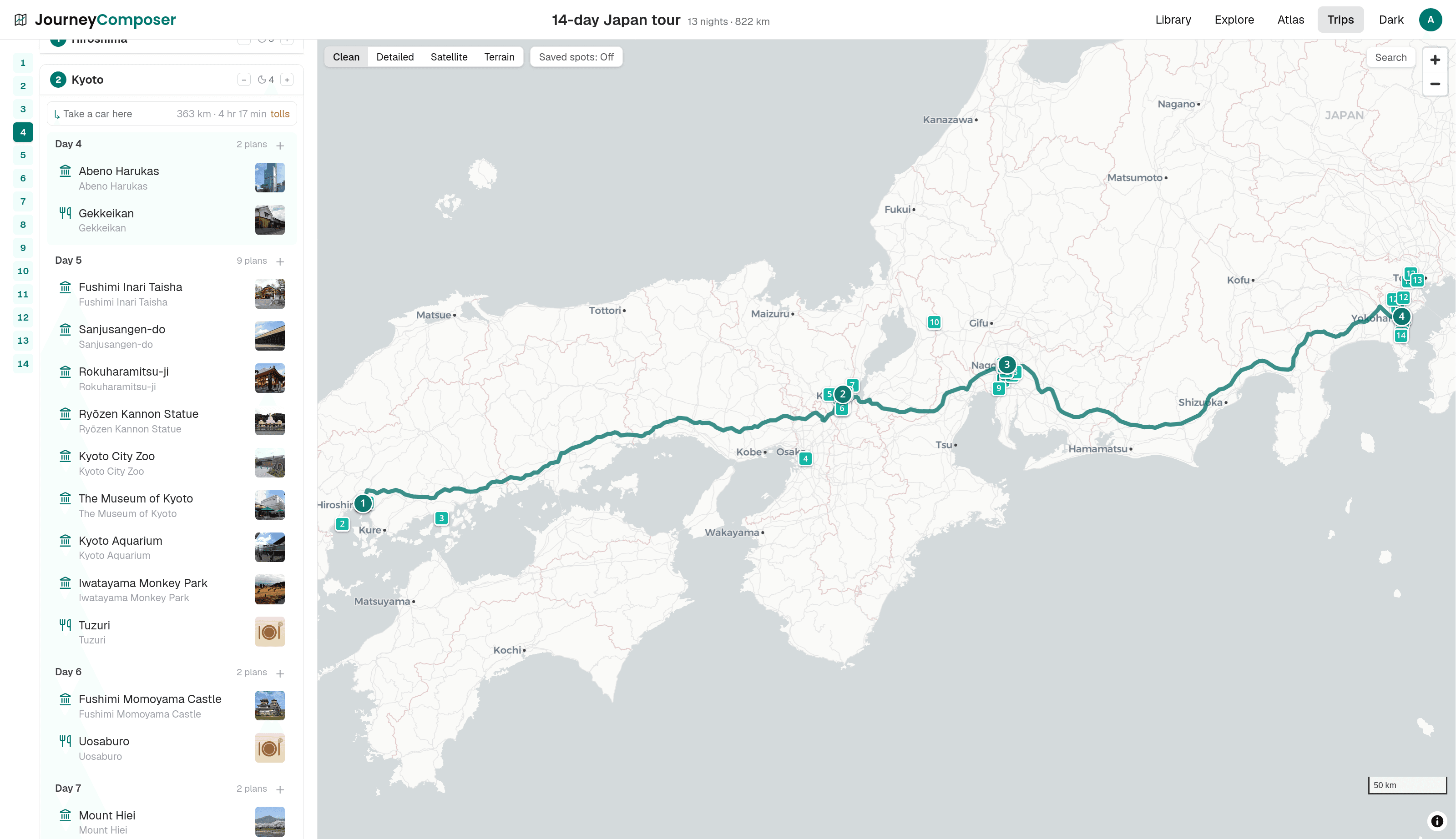
Take it with you
Every account can export a one-off calendar file for any trip. With Plus, subscribe to the trip from your own calendar app instead and it stays current: change a departure time in the plan and the calendar entry changes too, without exporting anything again.
For the road, the whole itinerary prints or saves as a PDF, with the route, the day-by-day plan, and the driving instructions each optional. On Plus the route also downloads as GPX, with every stop, sight, and driven road, for a sat nav or a GPS app.
Questions
Do I have to set dates?
No. A trip needs only a start date to place the days on the calendar, and you can plan the shape of it without one and add the date later. Nights per stop are what determine the length.
Which calendar apps does the subscription work with?
Any that accept a calendar subscription URL, which includes Apple Calendar, Google Calendar, and Outlook. You can revoke and regenerate the link at any time if you have shared it too widely. The live subscription is part of Plus; the one-off calendar download is free.
Can two people edit the same itinerary?
Yes. Invite the people you are travelling with and you edit the same trip, with changes appearing live for everyone on it. Every trip includes 3 invited companions for free, and Plus removes that limit. Anyone else can be sent a read-only link.
Start with one stop and one night.
The days appear as you add stops, so there is nothing to set up before you begin.